
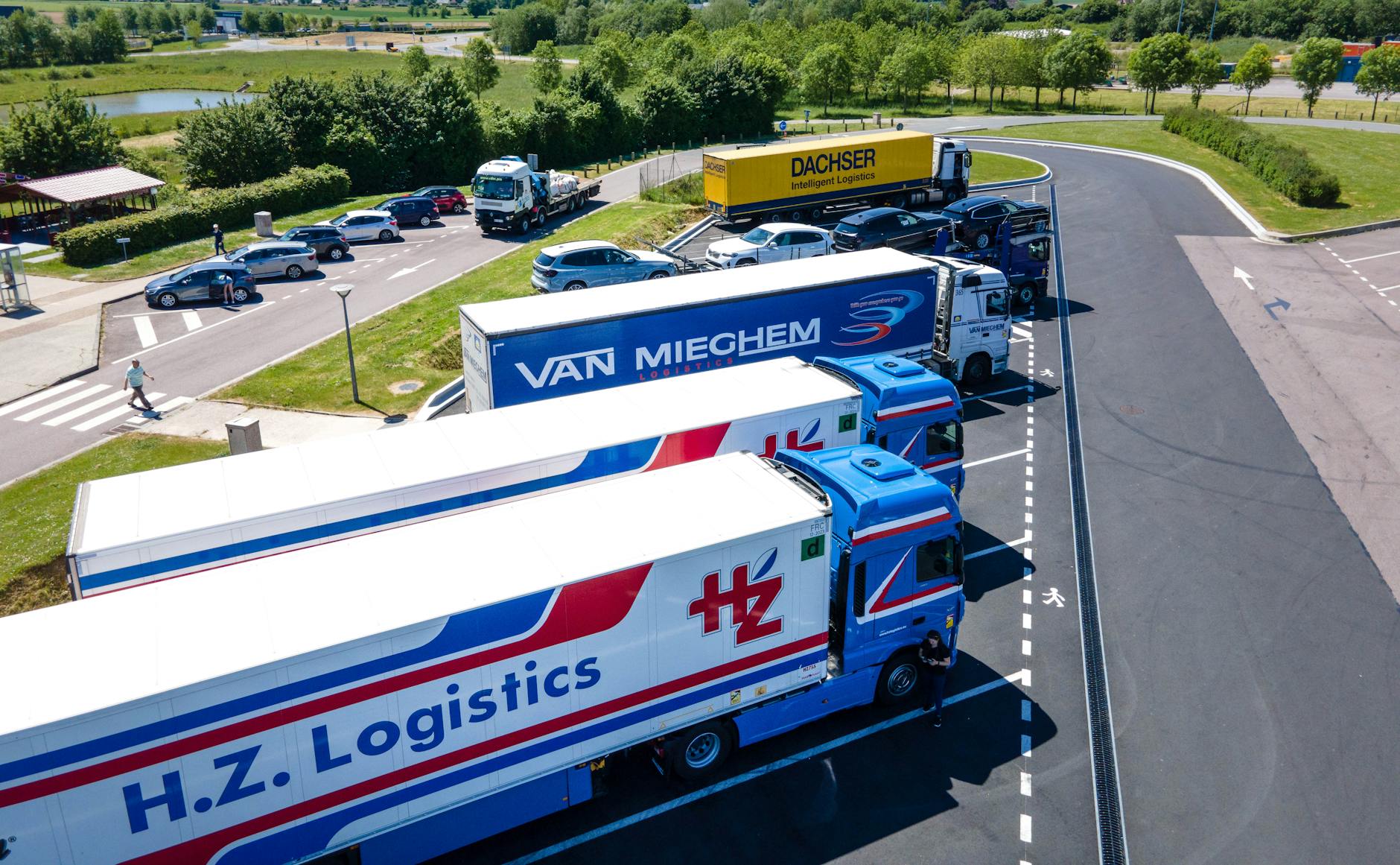
Hyde Park isn't a major logistics hub in the traditional sense, but the area has a concentration of logistics coordinators, freight brokers, and regional distribution operations that support the broader Cincinnati market. For these businesses, IT productivity — the ability to process orders, communicate with carriers, manage shipments, and serve customers without technology friction — is directly tied to business performance.
The Productivity Killers in Logistics IT
Before talking about what good IT looks like, it's worth naming what consistently creates productivity problems in logistics organizations:
- Slow internet — Logistics coordinators working with cloud-based TMS, email, and customer portals are hit hard by inadequate bandwidth. The fix is usually a fiber connection rather than cable, and ensuring the connection is sized for the actual number of users.
- VPN problems — Legacy VPN setups that require troubleshooting to connect, drop frequently, or slow down file access significantly impede remote work for sales and coordinator staff.
- Disconnected systems — When TMS data doesn't flow automatically to accounting, or when customer portal data isn't synced with internal records, staff spend time manually re-entering information.
- Email reliability problems — Logistics communications are time-sensitive. Missed emails, spam filtering that catches legitimate carrier emails, or email that simply doesn't deliver reliably creates real revenue risk.
- Slow laptops and workstations — A coordinator using an undersized or aging workstation wastes minutes per transaction across dozens of transactions per day. The math adds up quickly.
Microsoft 365 as the Productivity Foundation
For Hyde Park logistics companies, Microsoft 365 solves more productivity problems than any other single technology investment:
- Reliable, professional email with excellent spam filtering and anti-phishing
- Teams for internal coordination — faster than email for quick exchanges
- SharePoint for shared documentation — carrier lists, rate sheets, standard operating procedures
- OneDrive for individual file sync — coordinators work the same files whether in the office or remote
- Outlook calendar for shared visibility on availability and key deadlines
The security configuration of Microsoft 365 matters too. MFA, anti-phishing, and proper email authentication (SPF/DKIM/DMARC) protect against the business email compromise attacks that logistics companies are frequently targeted with — fake invoice fraud and payment redirection schemes are real threats to freight businesses.
TMS and Systems Integration
Logistics companies commonly use TMS platforms like ViaTMS alongside accounting (QuickBooks), CRM, and customer portal systems. The IT infrastructure that supports these systems:
- Database server with appropriate CPU and RAM for concurrent user load
- Fast local network to minimize TMS response time
- Reliable backup of TMS database (daily at minimum, with tested recovery)
- Proper user access controls — not everyone needs full TMS admin access
Mobile and Remote Work
Logistics coordinators and sales staff in Hyde Park often work from multiple locations. Device management (Intune) ensures all laptops meet security standards, have required software installed, and can be remotely wiped if lost or stolen. VPN or zero-trust access provides secure access to TMS and other on-premise systems from anywhere.
Phone Systems for Logistics
In logistics, phone communication is still critical — carriers want to talk, customers call with questions, and quick verbal confirmation often resolves issues faster than email. A hosted VoIP system with call routing, ring groups, and mobile app support ensures that calls reach the right person whether they're in the office or not.
Titan Tech serves logistics companies throughout Hyde Park, Mariemont, Anderson Township, and Greater Cincinnati. Contact us for a free IT productivity assessment.