
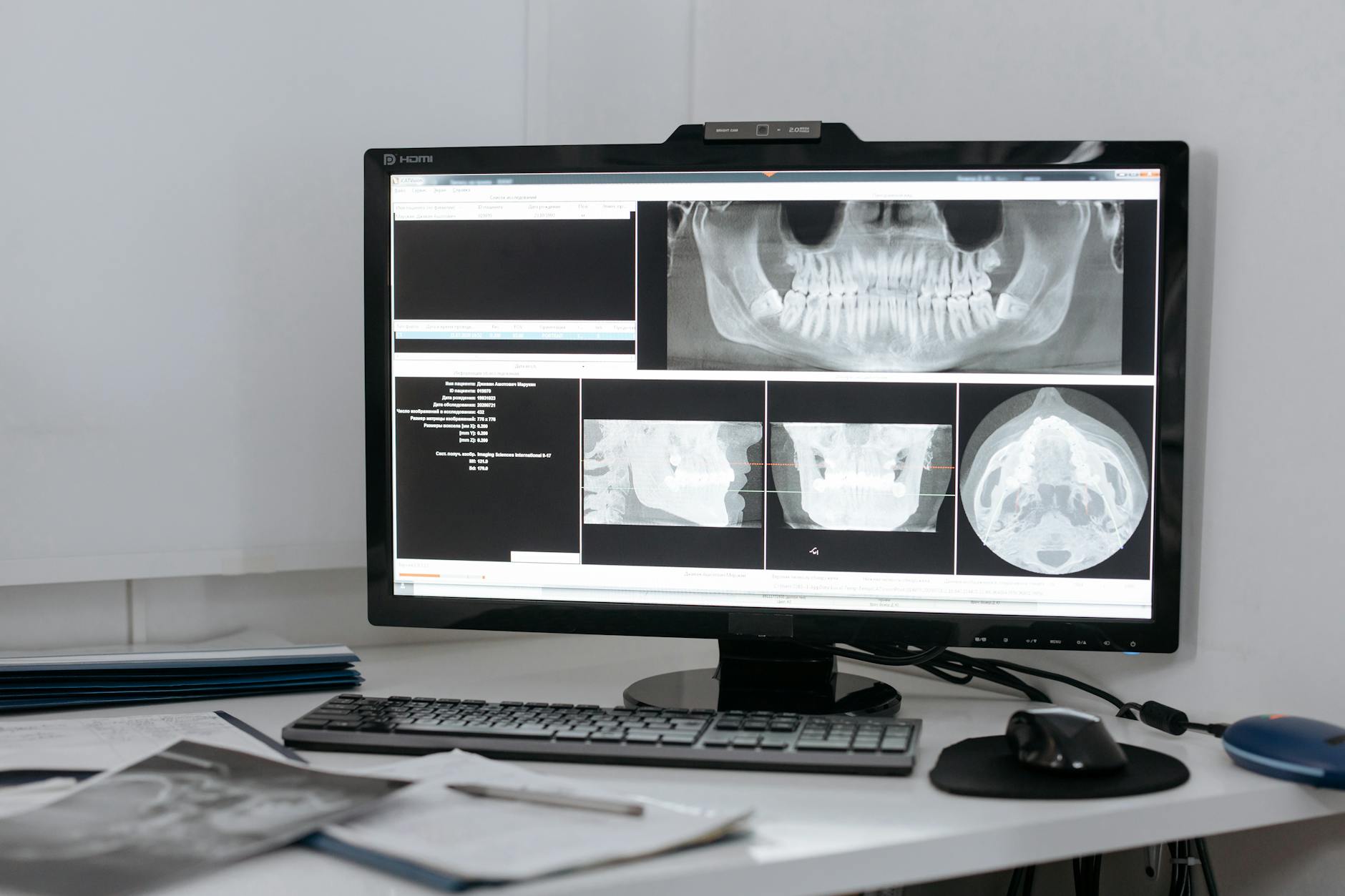
Anderson Township dental practices sit on some of the most sensitive patient data in healthcare — full names, insurance details, treatment histories, digital radiographs, and payment information — yet the IT infrastructure supporting that data rarely receives the same attention as the clinical equipment. That mismatch is showing up in breach notification filings. OCR enforcement actions and HHS breach portal data consistently reveal that small dental practices are among the most frequently cited covered entities for HIPAA failures, and the root cause is almost always technical: an unpatched server, an unencrypted backup, or a staff workstation with no endpoint protection.
If your practice is running Dentrix, Eaglesoft, or Open Dental on aging Windows hardware with minimal security layering, you have a problem that a HIPAA notice and a privacy policy poster don't solve.
What OCR Is Actually Looking For
The Office for Civil Rights has made clear through its enforcement patterns that "reasonable safeguards" means specific, documented, tested controls — not good intentions. A HIPAA Security Rule compliance program for a dental practice needs to cover three areas where most small offices have visible gaps:
Access controls and audit logging. Every user accessing your practice management system should have a unique login. Shared credentials, which remain common in dental offices where staff members log into a single "front desk" account, create audit trail failures that OCR treats as per se violations. Dentrix and Eaglesoft both support individual user accounts with role-based permissions — if yours aren't configured that way, that's an immediate remediation item.
Encryption at rest and in transit. Patient records stored on an unencrypted local server or transmitted over unprotected Wi-Fi are a breach waiting to happen. Many practices learned this the hard way when a laptop was stolen or a server drive was replaced and discarded without being wiped. Full-disk encryption on every device that touches ePHI — workstations, laptops, tablets used for check-in — is a baseline requirement, not an optional hardening step.
Business associate agreements. Every vendor with access to patient data — your IT provider, your cloud backup service, your billing clearinghouse — needs a signed BAA. If you've added any cloud services, switched IT companies, or onboarded new software in the last two years without confirming BAAs are in place, close that gap now.
Ransomware and the Dental Practice Attack Surface
Dental practices have become a preferred ransomware target for a straightforward reason: they need their systems to see patients. When a practice management system goes offline, the office can't pull records, can't access radiographs, can't confirm insurance. That operational pressure creates a payment incentive that attackers deliberately exploit.
The typical attack chain looks like this: a phishing email reaches a front desk workstation, credentials are harvested, the attacker establishes persistence using a legitimate remote monitoring tool, and over the following days they identify and prepare to encrypt both the production server and any connected backup drives. By the time ransomware deploys, the backup is often already compromised.
Endpoint detection and response running on every workstation — not consumer antivirus — is what catches this behavior before it reaches that final stage. SentinelOne's behavioral EDR, paired with Huntress MDR for 24/7 analyst coverage, creates a detection layer that sees lateral movement and persistence mechanisms the attackers are counting on going unnoticed. For an Anderson Township practice seeing patients Monday through Saturday, having someone watching your environment overnight and on weekends isn't a luxury — it's what separates a contained incident from a two-week practice closure.
A properly structured managed cybersecurity program for a dental office should include endpoint protection on all clinical and administrative workstations, email filtering tuned for healthcare-targeted phishing, and network segmentation that keeps clinical imaging systems isolated from the general office network. If your digital radiography equipment and your QuickBooks workstation are on the same flat network, an attacker who compromises one has access to the other.
Backup That Actually Works for HIPAA
The HIPAA Security Rule requires covered entities to maintain retrievable exact copies of ePHI. That's not just a backup — it's a tested, documented recovery process with a known recovery time objective. Most dental practices have something running, but "something running" and "HIPAA-compliant backup" are not the same thing.
A compliant backup and disaster recovery solution for a dental practice needs off-site copies in a HIPAA-covered environment (BAA required from the backup vendor), immutable retention that can't be deleted by a compromised account, and application-consistent backups that capture the state of your practice management database — not just file-level copies that may restore corrupt data. Veeam-based backup to an isolated cloud target, tested quarterly with documented restore times, is a defensible implementation. A mapped network drive syncing to an NAS is not.
The Microsoft 365 Angle
Most practices have moved email to Microsoft 365, which is the right call — but the default configuration doesn't meet HIPAA requirements. Mailbox auditing needs to be explicitly enabled. External email forwarding rules, which attackers frequently configure after gaining access to an account, need to be blocked at the tenant level. MFA needs to be enforced for every account, including shared mailboxes used for appointment reminders or billing correspondence.
Properly configured Microsoft 365 for healthcare environments also includes data loss prevention policies that flag or block ePHI transmission, Microsoft Defender for Business with tamper protection, and conditional access that prevents login from unmanaged or non-compliant devices. These aren't advanced configurations — they're the baseline for any M365 tenant handling patient information.
Where to Start
If your Anderson Township practice hasn't had a formal IT security assessment in the past 12 months, that's the right place to begin. A risk analysis isn't just a HIPAA compliance requirement — it's the tool that tells you where your actual exposure is, so you're spending money on controls that address real gaps rather than checking boxes.
Titan Tech works with dental practices and healthcare providers across the Cincinnati area on HIPAA-aligned IT programs that cover endpoint security, backup, Microsoft 365 hardening, and ongoing compliance documentation. If you want a clear picture of where your practice stands, reach out to our team to schedule a no-obligation assessment.