
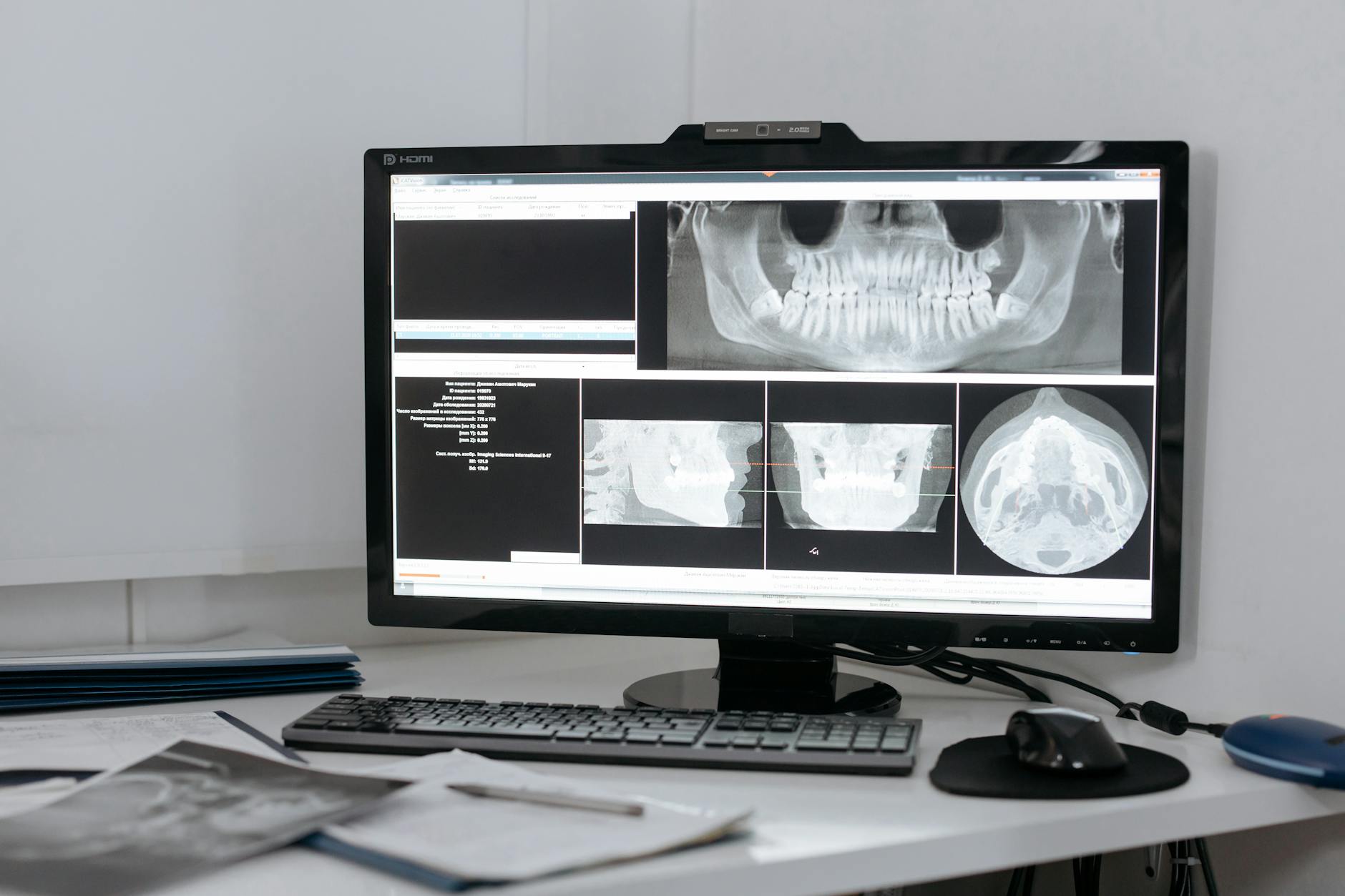
West Chester dental practices are getting hit by ransomware at a higher rate than most owners realize—and the entry point is almost always the same: a workstation running Dentrix or Eaglesoft on an aging Windows image, connected to a flat network with no endpoint detection. By the time the attack is visible, the patient records are encrypted and the practice is staring at a HIPAA breach notification obligation on top of the recovery bill.
This isn't hypothetical. Over the past 18 months, dental practices across Butler and Warren counties have faced incidents that forced days-long shutdowns, triggered OCR inquiry letters, and in several cases required paid ransoms to recover scheduling data that wasn't properly backed up. The common thread isn't bad luck—it's a set of avoidable infrastructure decisions made years ago that never got revisited.
The Flat Network Problem in Dental Environments
Most dental offices were wired by a contractor who got the imaging equipment, X-ray sensors, and front-desk computers on the same network segment and called it done. That made sense in 2012. It doesn't make sense now. When every device on the floor can reach every other device, a compromised front-desk PC—often the one used to check personal email or approve a QuickBooks invoice—has a direct path to the server running your practice management database.
Proper segmentation puts clinical devices (intraoral sensors, CBCT units, imaging workstations) on their own VLAN, isolated from the administrative segment where Dentrix or Eaglesoft lives, with firewall rules governing what traffic can cross between them. It's not a complex project, but it does require someone who understands both the clinical workflow dependencies and the network architecture. Most dental IT vendors handle one or the other.
Where HIPAA Risk Actually Lives
HIPAA's Security Rule requires covered entities to implement "addressable" safeguards—which isn't the same as optional. OCR audits increasingly focus on three areas where dental practices consistently fall short:
Encryption at rest and in transit. Patient records stored on a local server without volume encryption, or transmitted to a billing clearinghouse over an unencrypted connection, represent a breach waiting to happen. Dentrix and Eaglesoft both support encrypted database configurations, but they're not enabled by default in older deployments.
Access control and audit logging. Shared login credentials—where every front-desk staffer logs into Dentrix as the same user—make it impossible to produce the audit trail OCR requires after an incident. Every staff member needs their own credentials with role-appropriate permissions.
Backup and recovery verification. Backing up to an external drive that stays connected to the server is not a backup strategy—it's a second copy of the encrypted data after a ransomware event. Offsite and immutable backup is the standard, and practices need to test restoration regularly. A verified backup and disaster recovery process is one of the most important investments a practice can make.
Endpoint Detection in Dental Isn't Optional Anymore
Legacy antivirus—the kind that checks signatures against a database—doesn't catch modern ransomware variants. They're designed to evade it. Behavioral endpoint detection, like SentinelOne EDR paired with Huntress MDR, looks at what processes are actually doing rather than what they're named. A ransomware payload that starts enumerating files and making shadow copy deletions gets caught before it finishes, regardless of whether it's in any signature database.
For West Chester dental practices, this matters more than it might seem. Dental offices hold a combination of protected health information, payment data, and personally identifiable information that makes them high-value targets relative to their security posture. Attackers know this. The ransom demands reflect it.
Microsoft 365 and Email Exposure
A significant percentage of dental practice compromises begin with a phishing email—a fake insurance EOB, a spoofed supplier invoice, a credential-harvesting link disguised as a Dentrix update notification. If your practice is running Microsoft 365 without Advanced Threat Protection and proper anti-phishing policies configured, you're relying on staff to catch things that are specifically designed to fool staff.
Properly configured Microsoft 365 management includes Safe Links, Safe Attachments, anti-spoofing policies, and MFA enforcement on every account. These aren't premium add-ons—they're table stakes for any practice that takes patient data seriously. They also happen to be things OCR looks for when reviewing whether a practice took "reasonable and appropriate" steps under the Security Rule.
What a Security Assessment Actually Looks Like
A meaningful IT security assessment for a dental practice isn't a questionnaire—it's an active review of the network topology, a scan of the internal environment for exposed services and outdated software, a review of your Dentrix or Eaglesoft configuration against HIPAA technical safeguard requirements, and an honest conversation about what your backup and recovery posture actually looks like versus what you think it looks like.
Most West Chester practices that go through this process discover two or three things they didn't know were problems. That's not a failure—it's the point. You can't fix what you can't see.
If you're operating a dental practice in the West Chester or Mason area and haven't had a formal IT security review in the past 12 months, reach out to Titan Tech. We work with dental practices across the Cincinnati region on HIPAA-aligned managed IT, endpoint security, and backup infrastructure—built around the specific demands of clinical environments.