
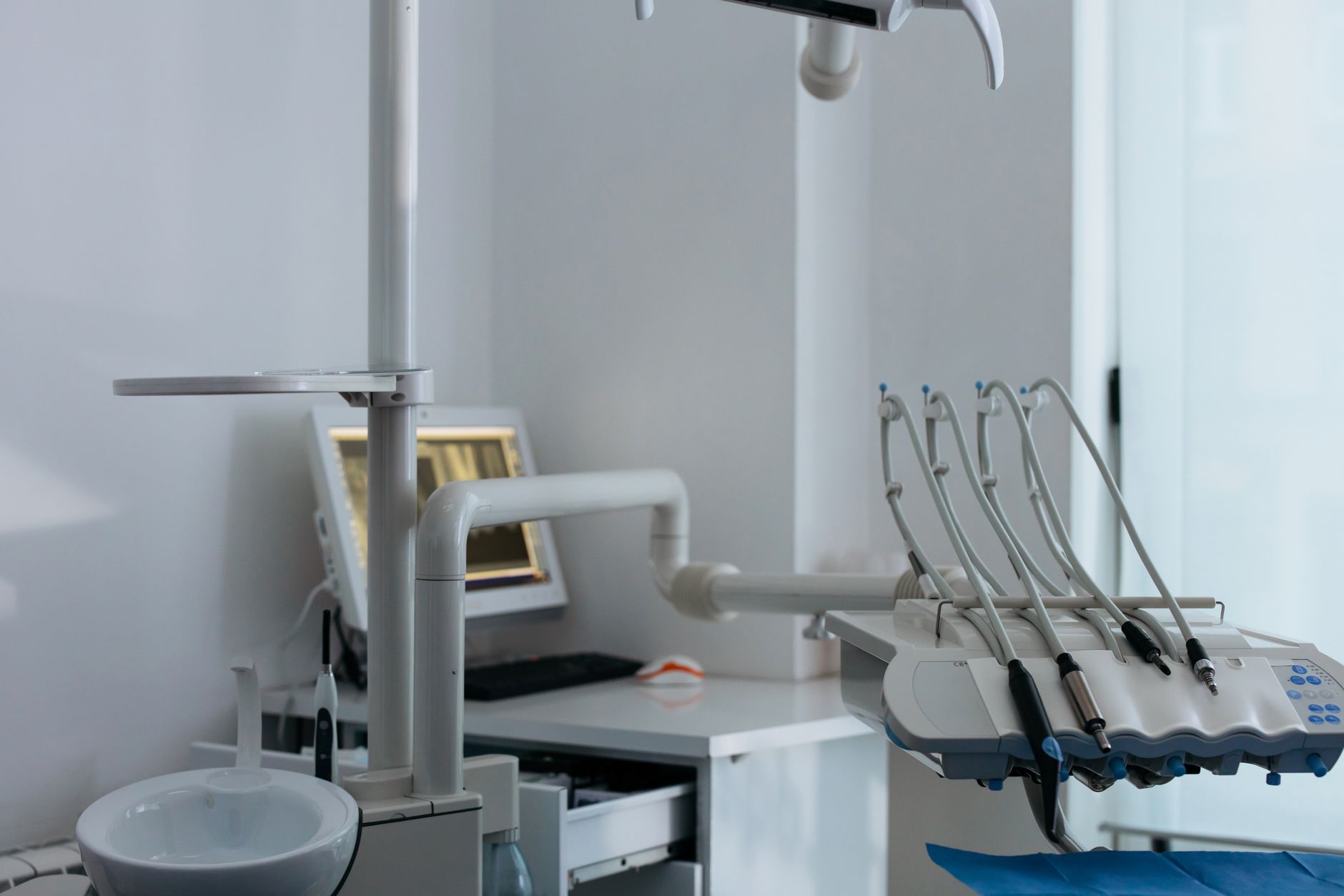
A medical practice can have current endpoint protection on every managed computer and still carry an unmanaged clinical risk. The weak point is often the equipment between the workstation and the patient: imaging systems, diagnostic devices, label printers, medication refrigerators, building controls, and vendor-maintained appliances. For Blue Ash healthcare IT teams, these devices create a security and continuity problem because they may run old operating systems, depend on fixed network settings, or fall outside normal patching and monitoring. If the inventory stops at laptops and servers, the risk analysis is incomplete.
The device is only one part of the clinical workflow
A connected medical device rarely works alone. It may rely on an EHR interface, a local database, DNS, identity services, a file share, a vendor cloud, or a specific workstation used to review results. That dependency chain matters during an outage. Restoring the server does not restore the workflow if the device cannot reconnect, the interface engine is still down, or staff credentials no longer work.
The practical starting point is a workflow inventory, not a hardware spreadsheet. Document what each clinical service needs to function, who supports each component, how the data moves, and what staff do when a dependency fails. This is where a healthcare-focused IT operating model differs from generic device management: the unit of recovery is patient care, not an individual asset.
Flat networks turn specialized equipment into an incident path
Many clinical devices were designed for availability and predictable communication, not for direct exposure to every workstation, guest device, and office printer on the same network. A flat network allows a compromised front-desk computer or vendor laptop to reach systems that should have narrowly defined communication paths. It also makes containment harder. An emergency network shutdown may interrupt imaging, check-in, phones, and building systems at once.
Segmentation should follow function and clinical impact. Business workstations, clinical systems, guest wireless, voice, surveillance, facilities equipment, and vendor-managed devices should not share unrestricted access. Firewall rules should permit only documented flows, while structured cabling and wireless coverage must support those boundaries without creating unreliable clinical connections. The goal is not to isolate equipment blindly; it is to make communication intentional and testable.
Monitoring needs an owner and a clinical exception process
SentinelOne EDR is appropriate for supported Windows endpoints, while Huntress MDR and SIEM monitoring can add human review and correlation across identity, servers, firewalls, and cloud activity. But security software cannot simply be installed on every regulated or vendor-controlled device. Some appliances prohibit third-party agents, and others cannot tolerate unscheduled updates or scans.
Those exceptions need compensating controls: network isolation, restricted vendor access, centralized logging where available, documented support ownership, and a replacement plan for unsupported systems. A managed cybersecurity program should show who receives an alert at 2 a.m., who can authorize containment, and how responders avoid disrupting patient care. Buying tools without assigning those decisions leaves the hardest part unresolved.
Backup success is not clinical recovery
EHR data, local imaging databases, device configurations, and interface settings do not always share the same recovery method. Microsoft 365 retention also does not replace a deliberate backup strategy for email, documents, and operational records. Veeam can protect supported servers and workloads, but the meaningful test is whether staff can complete a representative workflow after restoration.
A recovery exercise should include identity, name resolution, application services, data, interfaces, and a clinical endpoint in the correct order. It should also record the recovery time, unresolved dependencies, and the person authorized to return the system to production. That evidence strengthens HIPAA risk-management documentation and gives leadership a realistic view of downtime. Titan Tech's backup and disaster recovery work emphasizes tested recovery rather than a green backup status alone.
The control boundary includes vendors and physical access
Vendor support accounts, remote-access tools, and shared credentials often outlive the equipment project that created them. Require named accounts, multifactor authentication where supported, time-limited access, and a reviewable connection path. Pair logical controls with access control on network closets and server rooms. Video surveillance from Avigilon, Axis, or UniFi Protect can support incident review, but its cameras, recorders, and management consoles should be segmented like other building-edge systems.
Blue Ash practices do not need to replace every specialized device to reduce this exposure. They need an accurate dependency map, enforceable network boundaries, owned security exceptions, and recovery tests built around clinical work. Contact Titan Tech to assess the systems and dependencies your next risk review should actually cover.