
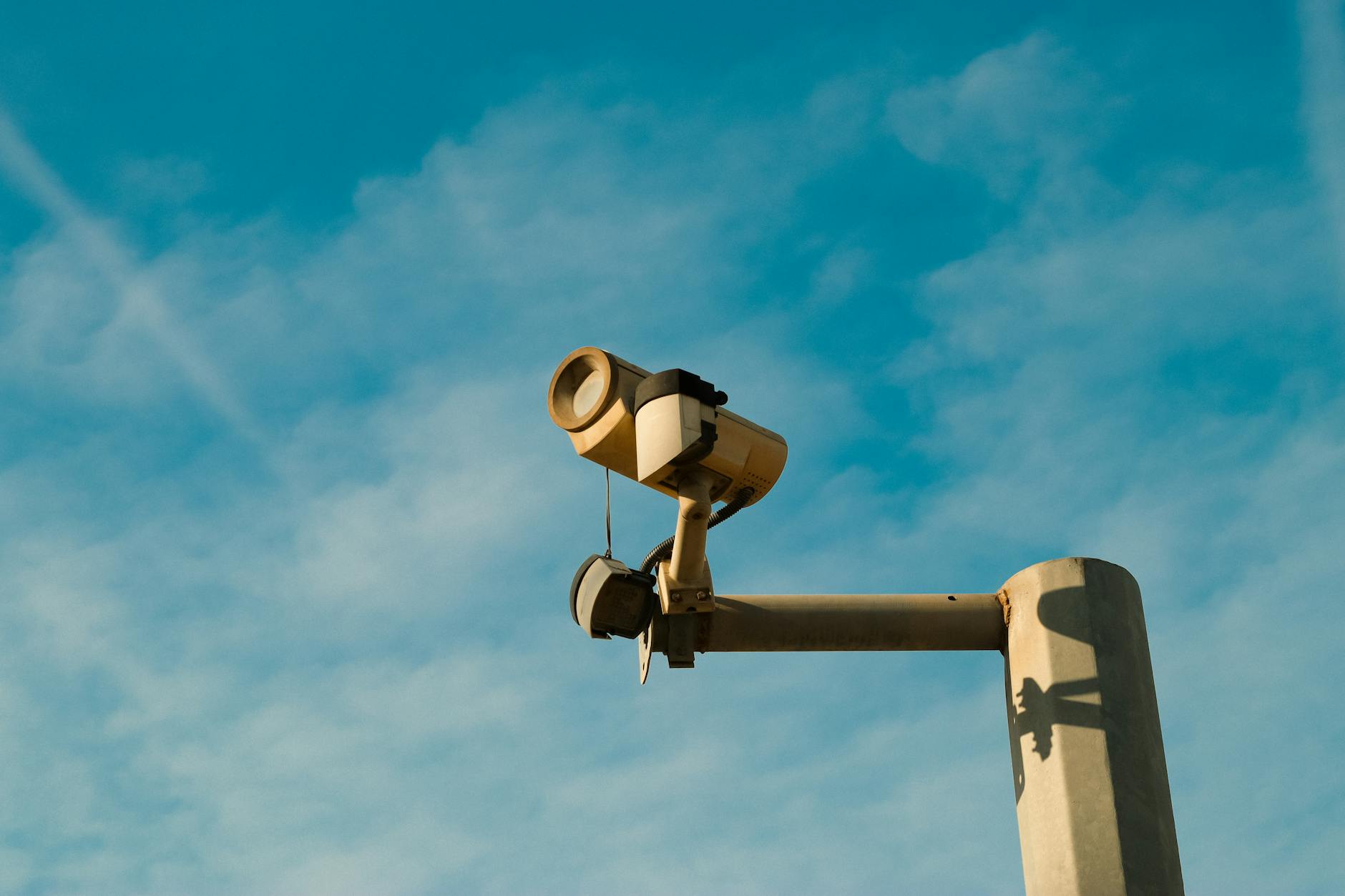
Liberty Township has grown into a major commercial corridor — retail, light industrial, professional services, and logistics operations all mixed together along the 275 corridor and into the townships. That growth brings real security challenges, and too many businesses are running camera systems that were never designed to handle them.
Here's a practical buyer's guide for Liberty Township businesses evaluating or upgrading their security camera systems.
Define Your Coverage Requirements First
Before you look at a single camera, walk your property and answer these questions:
- What incidents have you actually experienced — theft, vandalism, liability claims, break-ins?
- Which areas have blind spots in your current coverage (if any)?
- What resolution do you need? Enough to see someone was present, or enough to identify faces and license plates?
- How much footage retention do you need? 30 days? 90 days?
- Do you need to access footage remotely (from home, from multiple locations)?
The answers drive every subsequent decision — camera type, resolution, storage sizing, and platform selection.
Camera Types for Different Applications
Fixed dome cameras — Standard for indoor use, reception areas, and areas with defined fields of view. Most cost-effective per coverage area.
Varifocal cameras — Adjustable lens that can be focused on specific areas at various distances. Good for parking areas and exteriors where you need to zoom in on specific zones.
PTZ cameras — Pan, tilt, and zoom cameras for large open areas like warehouses, parking lots, or event spaces. More expensive but one camera can cover the area of several fixed units.
License plate recognition cameras — Specialized cameras designed to capture plate numbers. Different optics and settings than standard surveillance cameras; don't try to use a regular camera for this purpose.
Platform Recommendations for Liberty Township
For most Liberty Township commercial properties, one of these three platforms is the right fit:
UniFi Protect — Best value for businesses running UniFi networking. Clean management interface, good image quality, and straightforward remote access. Scales from 2 to 200+ cameras on the same platform.
Avigilon Alta — Cloud-managed, excellent AI analytics, and strong integration with Avigilon access control. Good for multi-location businesses or companies where IT resources are limited and cloud management is preferred.
Axis cameras with a VMS — For businesses with specific requirements (extreme environments, license plate recognition, analytics), Axis has a camera for it. Typically paired with a video management system like Milestone or Genetec.
Storage Sizing
Here's a quick reference for storage requirements at 1080p with H.265 compression:
- 4 cameras, 30-day retention: ~1.5TB
- 8 cameras, 30-day retention: ~3TB
- 16 cameras, 30-day retention: ~6TB
- 16 cameras, 90-day retention: ~18TB
Add 50% headroom for future expansion. Undersizing NVR storage is the most common mistake in camera system procurement.
Network Infrastructure Requirements
IP cameras need PoE switching with adequate power budget and managed QoS to prioritize camera traffic. A 16-camera system typically needs a 24-port PoE managed switch with at least 250W power budget. The switch should be on a dedicated camera VLAN, isolated from business systems.
Titan Tech designs the network infrastructure alongside the camera system — not as an afterthought. That integration is what separates a system that works reliably from one that produces choppy footage during busy periods.
What Installation Actually Costs
Ballpark for a properly installed commercial system in Liberty Township:
- Small office (4-6 cameras): $3,000-$6,000 installed
- Medium facility (10-16 cameras): $8,000-$18,000 installed
- Large commercial/warehouse (20+ cameras): $20,000+
These ranges vary significantly based on cable runs, mounting challenges, and storage requirements. Contact Titan Tech for a free site survey and proposal.