
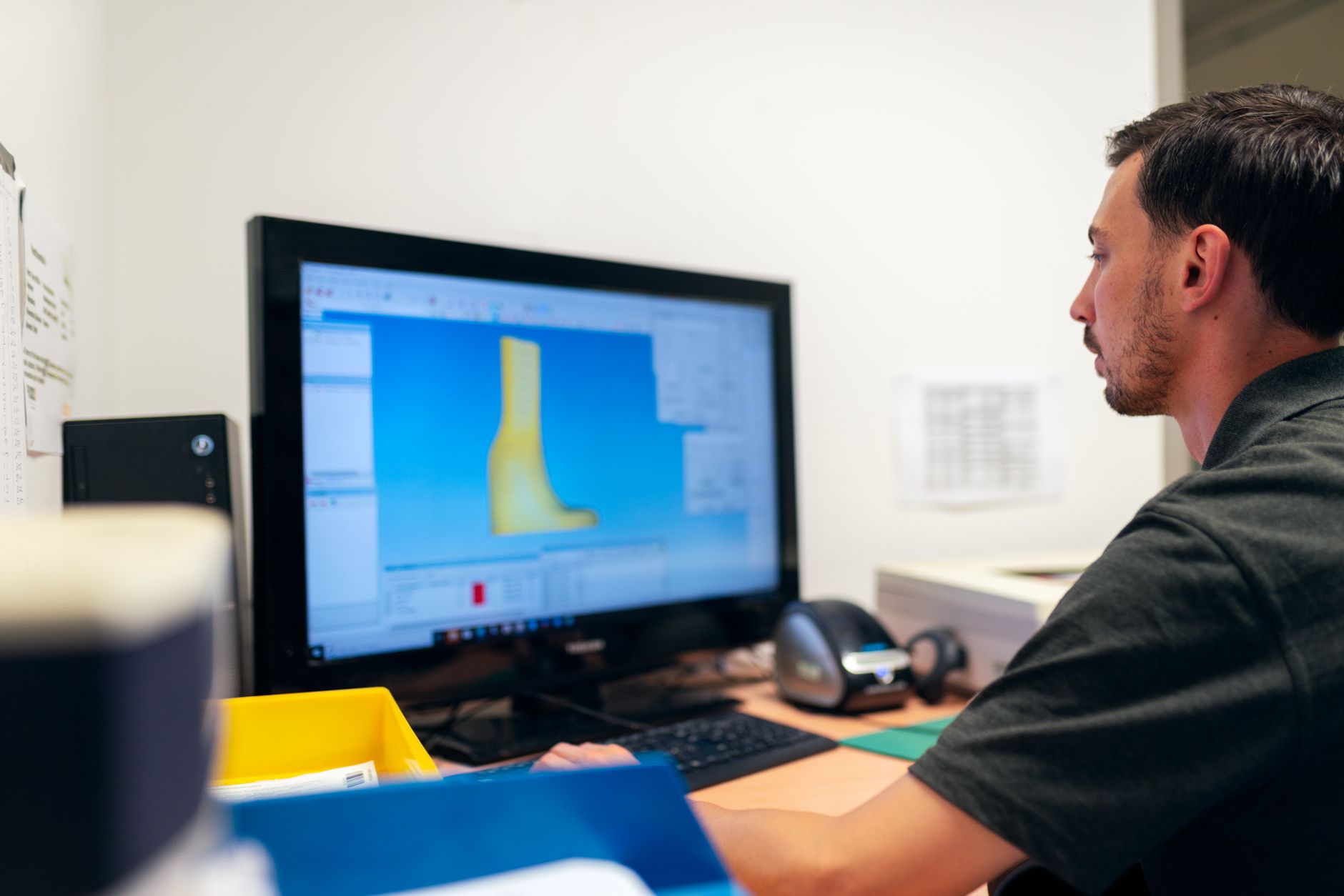
Fairfield engineering IT problems rarely announce themselves as architecture failures. They show up as a SolidWorks assembly that takes too long to open, a Revit model that drops during synchronization, or a CNC export that cannot reach the shop floor before a deadline. Replacing a workstation may hide the symptom. It does not fix the path between design files, identity systems, switches, wireless access points, servers, and production equipment.
Engineering work crosses more trust boundaries than it appears
A typical project moves among estimators, engineers, outside consultants, field staff, clients, and fabrication teams. Drawings arrive through email and file-sharing links. Contractors may need temporary access to Microsoft 365, a project folder, or a PDM vault. Shop-floor systems consume exports created by design workstations. Every handoff is operationally necessary, but each also expands the number of identities, devices, and network segments that can affect delivery.
The practical problem is not collaboration itself. It is unmanaged persistence. Guest accounts remain active after a project closes. Former employees retain access through personal devices. Shared credentials make it impossible to determine who changed a drawing or downloaded a bid package. Microsoft 365 Business Premium, multifactor authentication, Conditional Access, and separate administrative accounts establish a workable identity baseline, but only if onboarding and offboarding are tied to real project and employment events.
A flat network converts a small incident into a design outage
Many engineering offices still place CAD workstations, file servers, printers, guest wireless, cameras, building controls, and shop equipment on one broad network. That design is easy to inherit and difficult to defend. A compromised laptop or poorly maintained device can reach systems it has no business contacting. It also makes performance troubleshooting harder because production traffic, guest traffic, backups, and large design-file transfers compete without clear boundaries.
Network segmentation should separate design and PDM resources, business systems, guest wireless, production equipment, and physical-security devices. Firewall rules should permit the specific traffic each segment requires rather than allow unrestricted movement. Managed switches, documented structured cabling, and a wireless survey matter here. Engineering firms cannot solve an unreliable network by adding consumer access points wherever coverage feels weak.
An effective managed IT services program should maintain the network map, switch and firewall configurations, device inventory, warranty status, and escalation path. That documentation shortens outages and prevents a future renovation, machine installation, or office move from quietly undoing the security model.
Endpoint protection must be monitored, not merely installed
Traditional antivirus is a weak control for systems that hold client drawings, intellectual property, bid data, and production instructions. SentinelOne EDR can identify suspicious endpoint behavior, while Huntress MDR adds human review and response. A SIEM provides useful correlation across endpoints, Microsoft 365, firewalls, and other systems. Together, these managed cybersecurity controls reduce the time between an abnormal event and an informed response.
The distinction matters during a real incident. An alert that sits unread until the next business day is not the same as monitored detection. Engineering leadership should know who receives alerts, who can isolate a workstation, how project owners are notified, and what evidence is retained for clients, insurers, or counsel.
Recovery has to include the whole project system
Cloud synchronization is useful, but it is not a complete recovery strategy. CAD and PDM environments may depend on databases, permissions, file stores, templates, license services, and application-specific configuration. Restoring only the drawing folder can leave a technically intact collection of files that the team cannot use efficiently.
Veeam-based backup and disaster recovery should protect the required servers and data, maintain a recovery copy that ransomware cannot easily alter, and prove restoration through scheduled tests. The test should answer an operational question: how long will it take to return a current project to usable production, with permissions and dependencies intact? A successful backup job is evidence that data was copied. A successful restore test is evidence that the firm can recover.
The baseline is measurable
A usable Fairfield engineering IT baseline is not a shelf document. It is an inventory that matches the actual environment, named owners for identity and security events, segmented network diagrams, controlled external sharing, monitored endpoints, and recovery tests with recorded results. Those controls protect more than data. They protect the engineering schedule, the client commitment, and the ability to issue the next revision without improvising around an avoidable outage.
If your Fairfield engineering firm needs an independent review of its CAD network, Microsoft 365 controls, security monitoring, and recovery plan, contact Titan Tech to schedule a practical infrastructure assessment.