
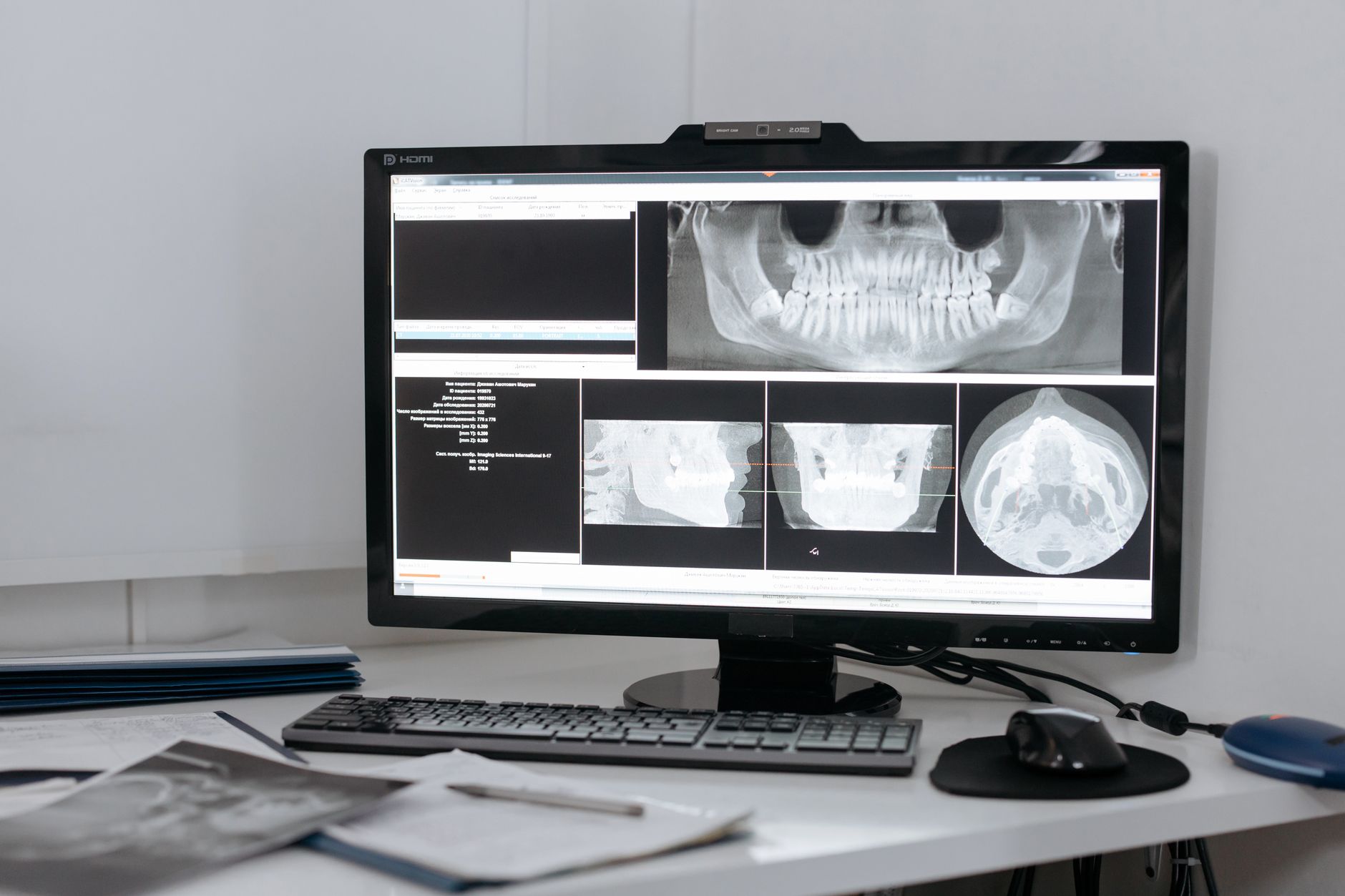
A dental practice can have reliable internet, current workstations, and cloud email yet still be one failed computer away from losing its schedule. In many offices, Burlington KY dental IT depends on an imaging workstation that quietly links intraoral sensors, panoramic equipment, local image storage, and the practice-management system. When that machine fails—or ransomware reaches it—the clinical impact is immediate. The issue belongs in the practice's HIPAA risk analysis, not on a replacement list for ordinary PCs.
The integration PC is infrastructure
Imaging workstations accumulate dependencies. A vendor driver may only be installed on one machine. A capture utility may write to a local folder before sending an image to a server. Dentrix, Eaglesoft, or OpenDental may open the patient record correctly while the imaging bridge behind it has stopped working. Staff experience that failure as a blank image, an unavailable sensor, or a provider waiting while someone calls support.
Treating the workstation as infrastructure changes the maintenance standard. Its hardware age, operating system, drive health, vendor software versions, encryption status, and warranty should be documented. So should the location of image data and the credentials used by any integration service. A replacement computer delivered overnight is not a recovery plan if nobody has the sensor drivers, license information, and tested installation sequence.
Segmentation has to follow the dental workflow
Many small practices still operate a flat network: front-desk PCs, treatment-room computers, imaging devices, printers, guest Wi-Fi, and security cameras can all reach the same address space. That design gives a compromised laptop or poorly maintained device an unnecessarily direct path toward clinical systems.
A practical design separates business systems, clinical and imaging equipment, guest wireless, and building devices into controlled network segments. The firewall should permit only the traffic the workflow requires. Guest Wi-Fi should never discover practice systems. Cameras and access-control equipment should not initiate connections to the Dentrix or Eaglesoft server. Remote vendor support should use named accounts, multifactor authentication, and time-limited access rather than a shared unattended password.
Segmentation is not just a firewall project. Switch configuration, wireless coverage, structured cabling, and device inventories have to agree. Otherwise, a treatment room gets moved, a sensor is plugged into the wrong port, and the intended boundary disappears without anyone noticing.
Endpoint protection needs an operator
Antivirus on the imaging workstation is a baseline, not a complete control. SentinelOne EDR can identify malicious behavior at the endpoint, while Huntress MDR adds human review and escalation outside office hours. A SIEM can correlate firewall, Microsoft 365, server, and endpoint events so an isolated alert becomes an investigation instead of another notification in an inbox. That operating model is the difference between installed tools and managed cybersecurity.
Detection also has to account for clinical availability. An endpoint agent exclusion added to fix an imaging application should be narrow, documented, and reviewed. Broad exclusions for entire drives or program folders can create exactly the blind spot an attacker needs. Vendor compatibility matters, but so does verifying the exception after the support call ends.
Recovery must include the database and the image path
Practices often hear that their software is backed up and assume the imaging workflow is covered. It may not be. Patient records, document attachments, X-rays, and configuration files can live in different locations. A cloud-hosted application can still depend on local image files or a local capture utility.
A useful backup and disaster recovery plan maps every component, uses monitored Veeam jobs where appropriate, protects copies from routine administrative credentials, and tests restoration. The test should answer operational questions: Can the database open? Do images attach to the correct patient? Can a replacement workstation capture a new image? How long will that take during a full clinical day?
The recovery target should reflect patient care, not backup-job convenience. If the practice can tolerate four hours without imaging but the current rebuild takes two days, the gap is a business decision that ownership needs to see and fund.
Identity controls close the remaining gap
Dental operations also rely on Microsoft 365 for schedules, referrals, insurance correspondence, and vendor communication. Business Premium licensing, Conditional Access, multifactor authentication, and prompt removal of departed staff accounts reduce the chance that a stolen mailbox becomes the route around otherwise sound network controls. The same discipline should apply to remote-support portals and practice-management accounts.
The imaging workstation problem is rarely solved by buying one better PC. It is solved by documenting the clinical dependency, limiting network paths, monitoring the endpoint, and proving that the entire workflow can be restored. If your Burlington practice has not tested that chain end to end, contact Titan Tech to review it before a hardware failure or security incident turns it into an emergency.